Security & Privacy
Your data stays in your Microsoft 365 account.
No backend. No shared database. No data broker deals. Just your Microsoft 365 account, your Azure OpenAI key, and the alert channels you choose.
🔒
Runs in your Microsoft 365 account
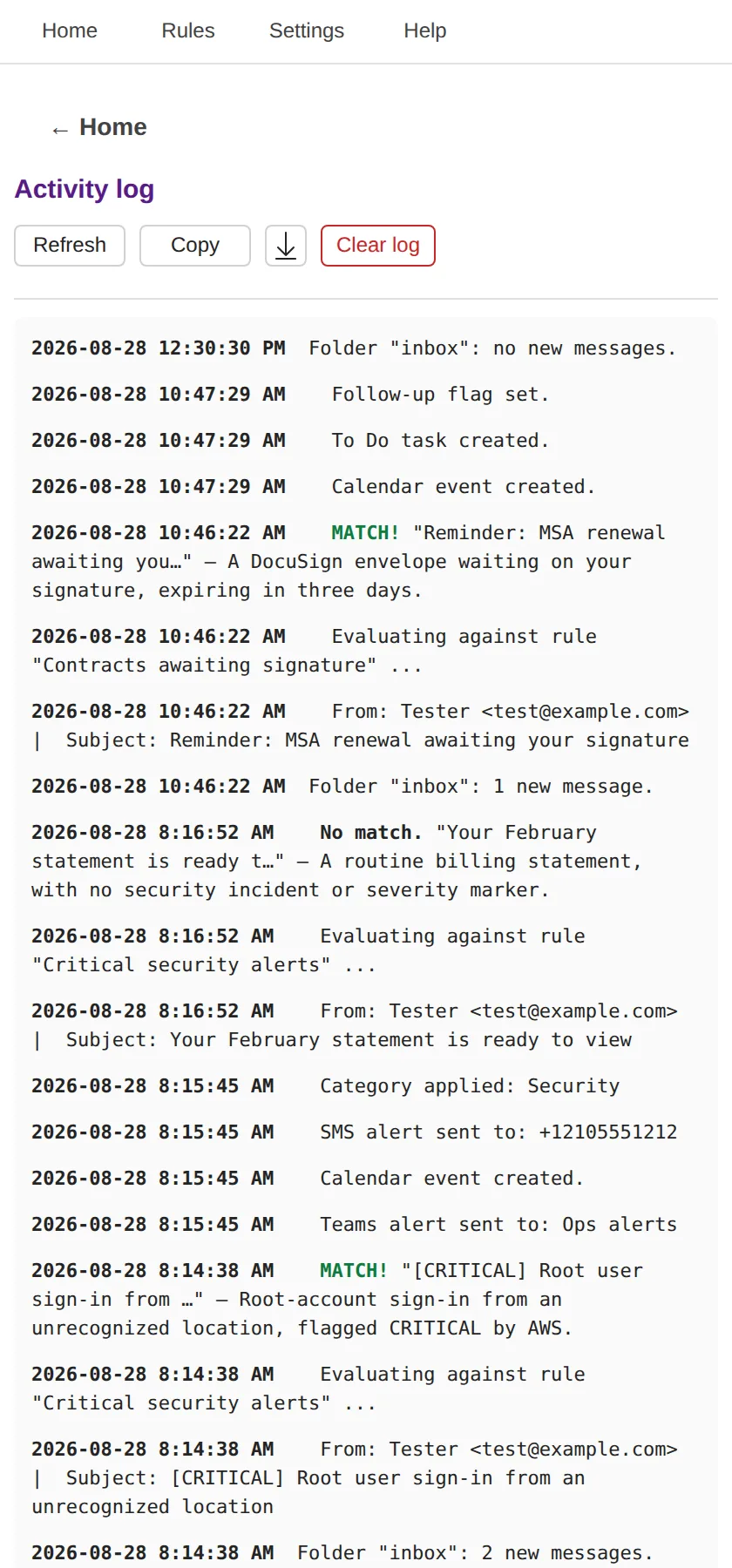
Everything executes in the Outlook add-in runtime under your own Office SSO + MSAL.js fallback. We have no backend that sees your mail.
🔑
Encrypted at rest
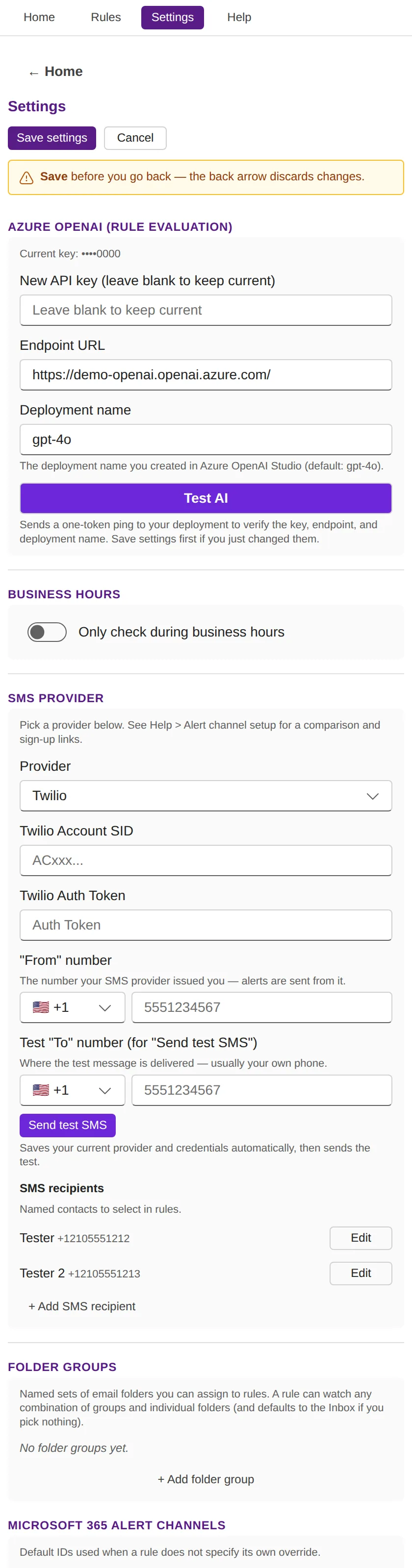
Azure OpenAI credentials, SMS keys, rules, and settings live in Outlook's encrypted roamingSettings — per-user, per-add-in, private to you.
🛡️
AppSource validation
Distributed exclusively through Microsoft AppSource, which subjects every add-in submission and update to Microsoft's validation review.
🇺🇸
US-only, CCPA-aligned
Currently offered exclusively to US users. Subprocessor list and CCPA / 15-state privacy disclosures in the privacy policy at launch.
Why we don't run our own backend — and why that's a feature
Many email-monitoring products run a server-side backend that polls Outlook every minute and pushes results into a custom UI. To do that, those products must:
- Store your Microsoft OAuth refresh tokens on their servers
- Route every email's content through their infrastructure
- Read and process each message outside your own Microsoft 365 account
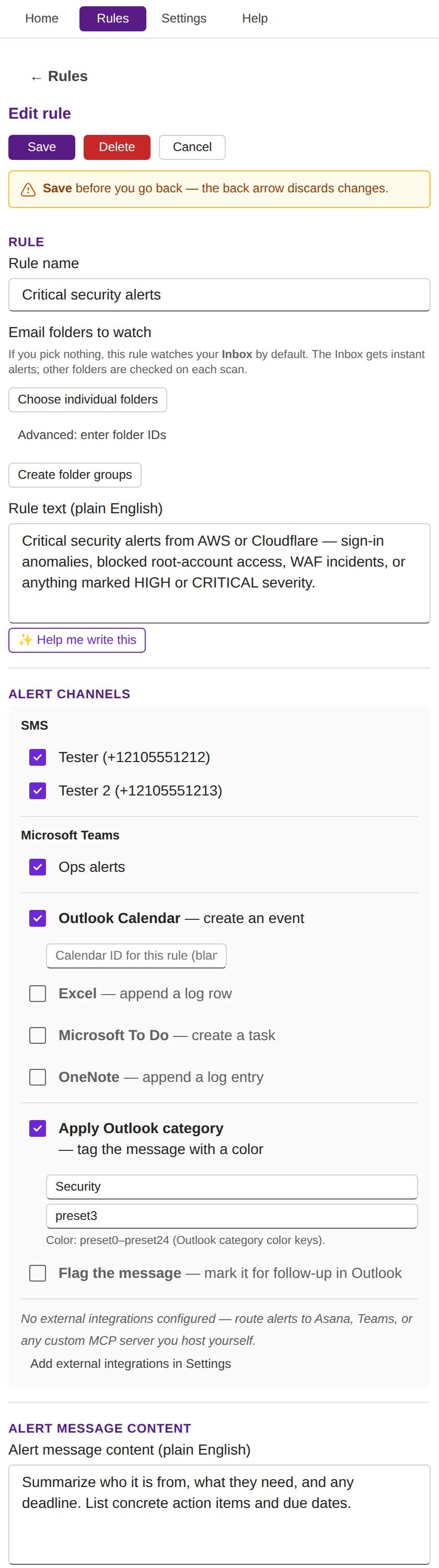
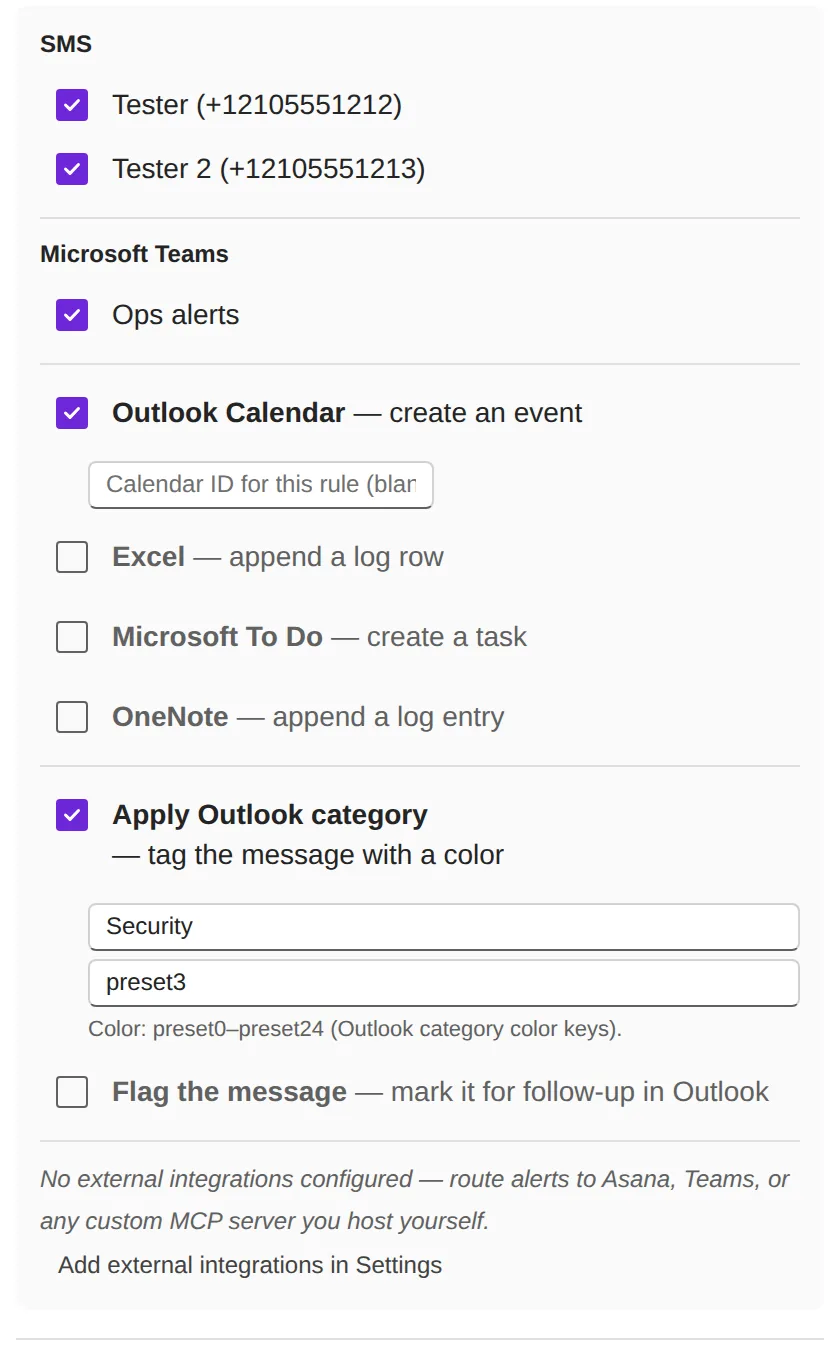
We deliberately don't. emAIl Sentinel runs entirely inside your own Microsoft 365 account. Your email content never reaches our servers — we never see, store, or process it. The only places your email data ever goes are (1) your own Azure OpenAI endpoint, called with your API key and deployment, and (2) the alert channels you configure (your SMS provider, your Teams channels, your Calendar, your Excel workbook, your MCP server).
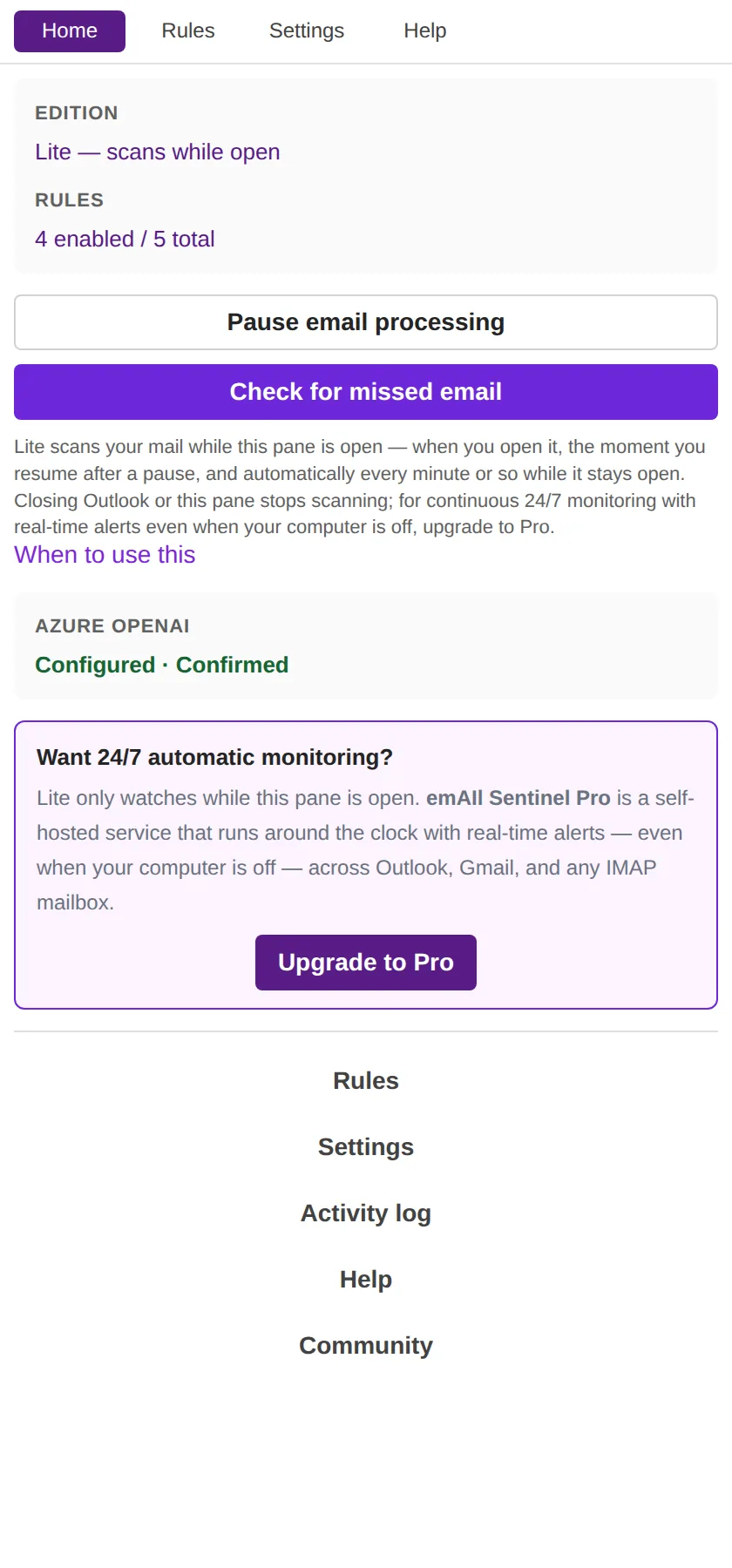
The trade-off: with no backend, emAIl Sentinel detects new mail as a catch-up scan — when you open the task pane, resume from pause, or click Scan email now, it uses Microsoft Graph delta queries to find and evaluate everything new since the last check. There's no background process while the pane is closed. If you need continuous, 24/7 monitoring even when Outlook is closed, that's exactly what the self-hosted Pro edition adds — running on infrastructure you control.